

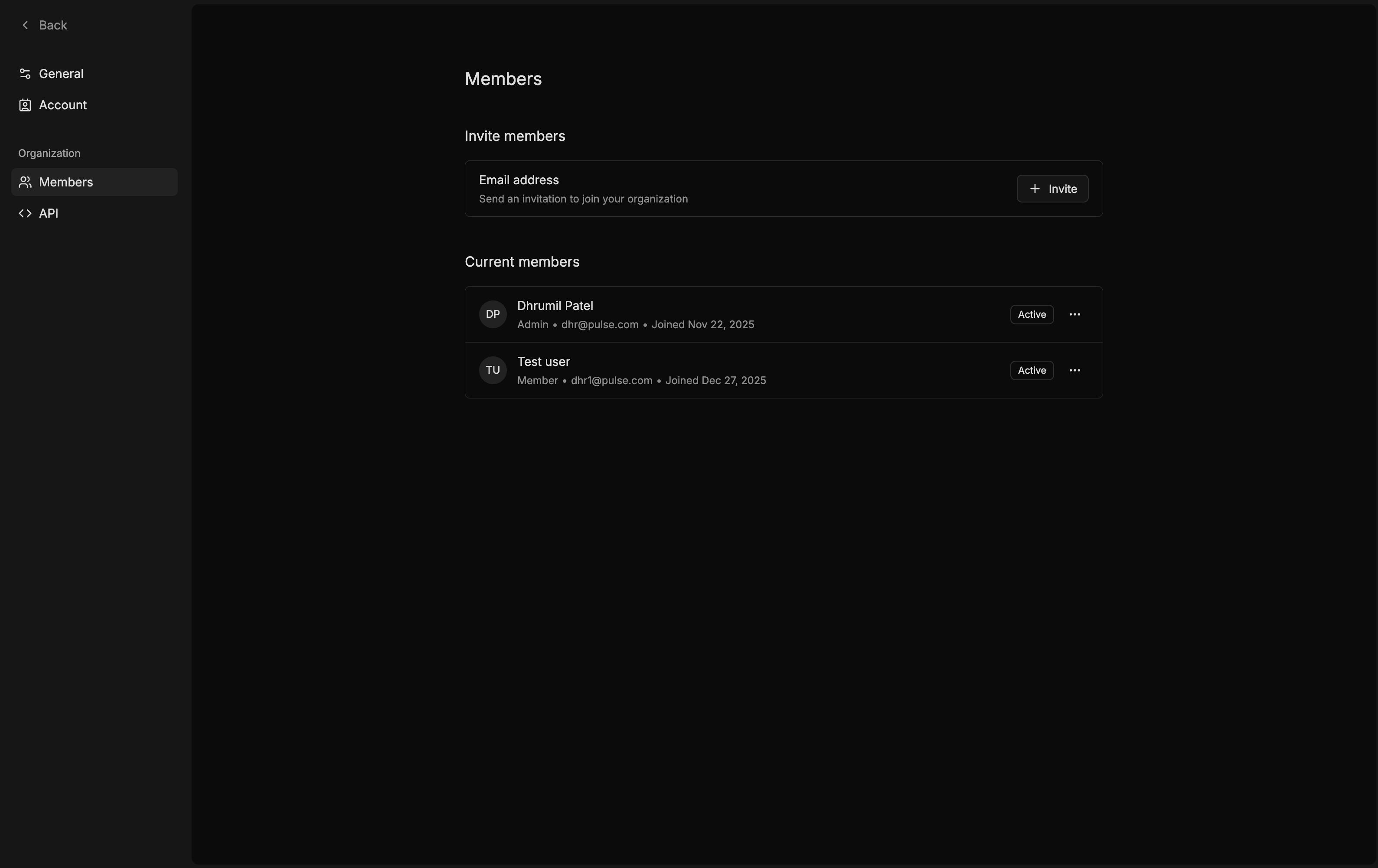
G then S to navigate to Settings.Members tab.Invite to generate invite codeAdmin or Member)We are working on adding the functionality to send email directly to recepients.
Invite team members to debug and ship faster
G then S to navigate to Settings.Members tab.Invite to generate invite codeAdmin or Member)